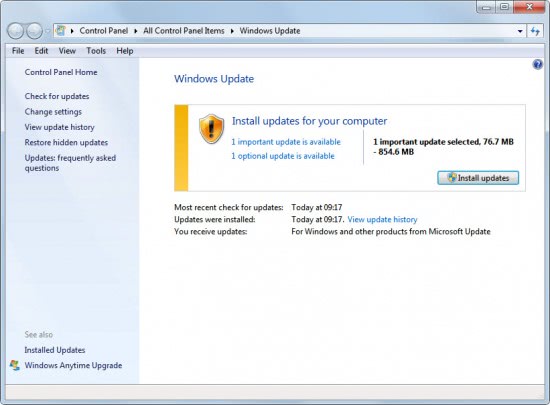
As many of you know, if you have a Microsoft Operating System. Microsoft has a way to update it's software through patches and service packs in which they can be downloaded through Windows Update, which is fine for the user who has their computer in front of them at all times to see everything that occurs.
The only problem I have with Windows Updates are the fact that when you automatically allow them to install during the wrong times such as a bad thunder storm or if you have a very bad impatient rush to shut the computer down manually holding the power button can scatter, corrupt, and fragment the windows system files necessary to run Windows correctly which can end up in Updates that aren't fully installed and the client waiting for windows to install updates that never finished downloading.
Another thing I find easier is to allow Windows Update to download the updates and then allow you to verify them if you want them, for example I'm sure people have had issues with patches on certain makes and models and had no idea that the Windows Update was corrupt due to the storm hitting the night it was left on to update and cut the power....Allowing the user to choose what they want can also avoid problems down the road such as updated drivers causing Blue Screens of death or updated files not running correctly, The reason I say do them manually is because troubleshooting the issues to remove can be reduced by hours and help u narrow down which update is causing the issue because you seen the list of updates.

I run into these problems every day with clients and believe that if you are not attentive to your updates then you should verify an exact time or schedule in which you know that computer will not be affected or bothered by losing power, which in return can cause corruption to registry, startup files and of course the Windows System Files.